Export HME report
Updated
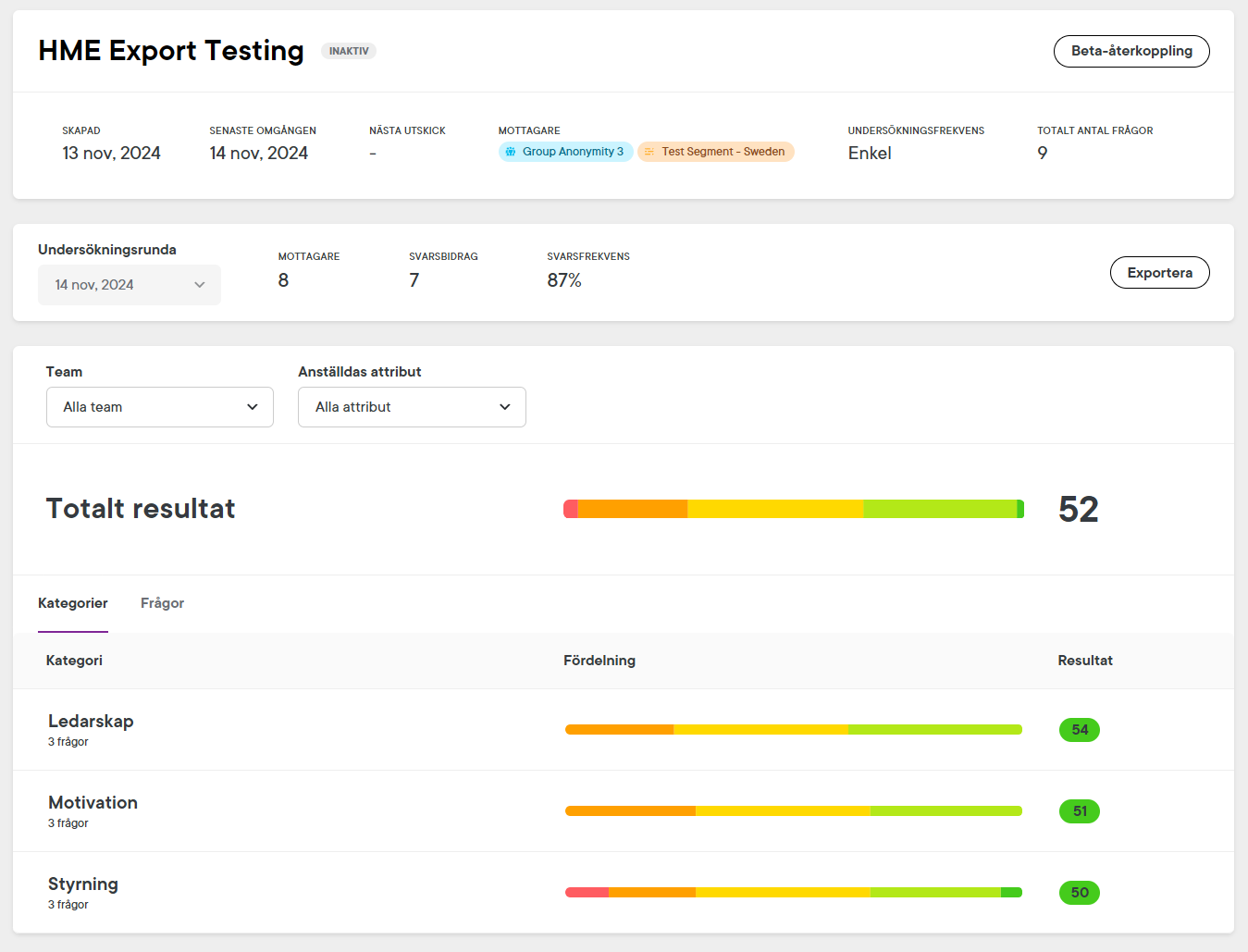
Get started
- Under Results & analysis, click on Survey results
- Click on the survey you would like to export
- Click on Export
- In the slide-out menu, specify your export (see table below for more information)
- Click on Export
- The export will be available in the Recent downloads section (click on your profile), and you will be notified by email when it's ready.
| Survey Round | Specify which survey you would like to export. |
| Region or municipality | Select the appropriate template for your export based on whether you are a region or a municipality. |
| Teams and segments | Select which teams or segments in Winningtemp correspond with each of the teams in the HME template. |
Next steps
- Download the report to your computer
- Open the file in Excel
- Follow the instructions available in the Gör såhär tab within the spreadsheet.
Was this article helpful?
0 out of 4 found this helpful