Teams and surveys go hand in hand in Winningtemp, helping you reflect how your people really work together, across departments, projects or reporting lines.
Whether your organisation is structured traditionally or works more cross-functionally, the team setup in Winningtemp gives you a fuller picture of employee engagement.
In this article, you’ll get an overview of how surveys and teams work together in Winningtemp, with links to explore each part in more detail.
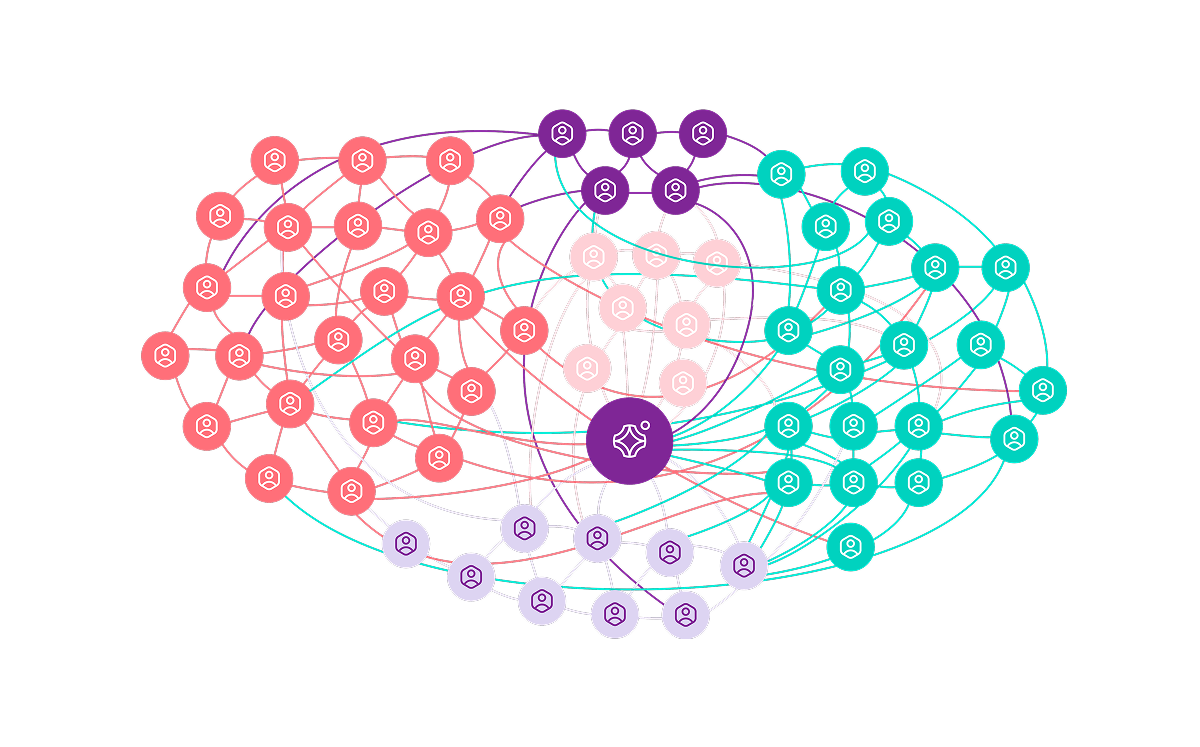
Get feedback in the right context
Pulse survey questions are linked to either an organisational or team context, so every response is shown where it belongs, whether that’s for the organisation, a Core team, or a Flex team.
👉 Read more: What is question mapping?
Work in multiple teams
Just like in your organisation, people in Winningtemp can belong to more than one team, from department teams to project groups, temporary teams, or matrix setups.
👉 Read more - Get to know the different team types
Answer surveys for multiple teams
Employees can be part of one or multiple teams in Winningtemp, and the survey flow makes sure their answers go to the right place.
👉 Read more: Answer surveys with a team context
Make it easy for all leaders to take action
You can assign Manager permission to both Core and Flex teams. In Core teams, it’s usually the line manager; in Flex teams, a project leader, matrix manager or product lead. This gives all managers access to team temperature, insights and comments.
👉 Read more: Assign, or unassign, role or Get to know the different team types
Add the teams to pulse surveys
If your pulse survey goes to the whole organisation, the Flex and Core teams are included automatically. Otherwise, simply add your Core and Flex teams as recipients; the rest will happen automatically.